Changelog

Follow new updates and improvements to Korbyt.

February 13th, 2026

Signage

We're constantly working to improve Korbyt. Here's what we were up to this week:

🆕 New & Enhanced

  • Enhanced Proof of Play (POP) with Hourly Reporting, giving all customers more granular visibility into content performance throughout the day.

  • Improved Proof of Play to ensure reporting data transitions more reliably between reporting cycles.

🐞 Squashed Bugs

  • Resolved a problem preventing target selection in Quick Actions and Data Triggers.

  • Fixed an issue where the font selector in Email Templates was not applying selected fonts.

  • Corrected a bug that caused images to break when saving and sending Email Marketing messages.

  • Fixed an issue where the SharePoint Adapter imported media without properly applying tags.

  • Resolved a dropdown issue in Screen Control and Screen Actions that prevented selecting the first item in the list.

  • Restored notification emails for predefined submission forms so alerts are now sent as expected.

  • Resolved a post-archiving error message that appeared after archiving content.

🛠️ Under the Hood

  • None this week

We love hearing from you! If you have any feedback or feature ideas, please use our feedback portal: https://product.korbyt.com/?b=671ef0a1ad059fed8945cda6

Need more info? Visit our help page for additional information: https://product.korbyt.com/help

The Korbyt Product Team

February 12th, 2026

What’s New?

Deep Link to Locate Colleague on Floorplan (Bookit)

Implemented a deep link capability in Bookit that enables authenticated users to directly locate a colleague’s booked space on the floorplan via a URL and book near them.

Key Functionality

Hyperlink Integration

• The feature is accessible via a hyperlink bound to the Bookit application URL.

• The hyperlink parses the colleague’s email address as a parameter into Bookit.

Authentication Handling

• Upon clicking the hyperlink, the user is authenticated based on the configured connection mode:

• Only authenticated users can proceed to view booking details.

Direct Floorplan Navigation

• After successful authentication:

  • Bookit searches for the colleague using the provided GUID or email address.

  • The system retrieves the colleague’s active booking (if available).

  • The application loads directly to the same view and experience as when “Locate on Floorplan” is selected from the Find a Colleague page.

  • The colleague’s booked space is displayed in focus on the configured floorplan.

User Journey Continuity

• Once the colleague’s location is displayed:

  • The authenticated user can select and book available spaces.

  • The booking journey mirrors exactly the standard experience triggered via “Locate on Floorplan” from Find a Colleague.

Resource Import Utility Enhancements

The Resource Import Utility has been significantly enhanced to improve scalability, extend supported data fields, strengthen validation, and streamline administrative workflows.

Support for Additional Resource Fields

The import utility now supports the following additional fields (alongside existing resource attributes):

  • Neighborhood

  • QR Scan Code

  • VC Collaboration

  • Protocol

  • Organizer

  • Mail Box ID

  • Exchange Integration

  • Exchange Configuration Setting (EWS / Graph dropdown selection)

  • My Desk (Reverse Hoteling) Owner

Please Note:

  • The Resource Owner is validated against the App User email ID.

  • Accepts semicolon-separated Collaboration IDs.

  • Accepts ‘#’ separated Resource Approval Email IDs.

Functional Area

Description

Case Reference

Web App – Visitor Management

Fixed an issue where the host name appeared in French despite English being the selected profile language.

38148

Bookit – Floorplan Navigation

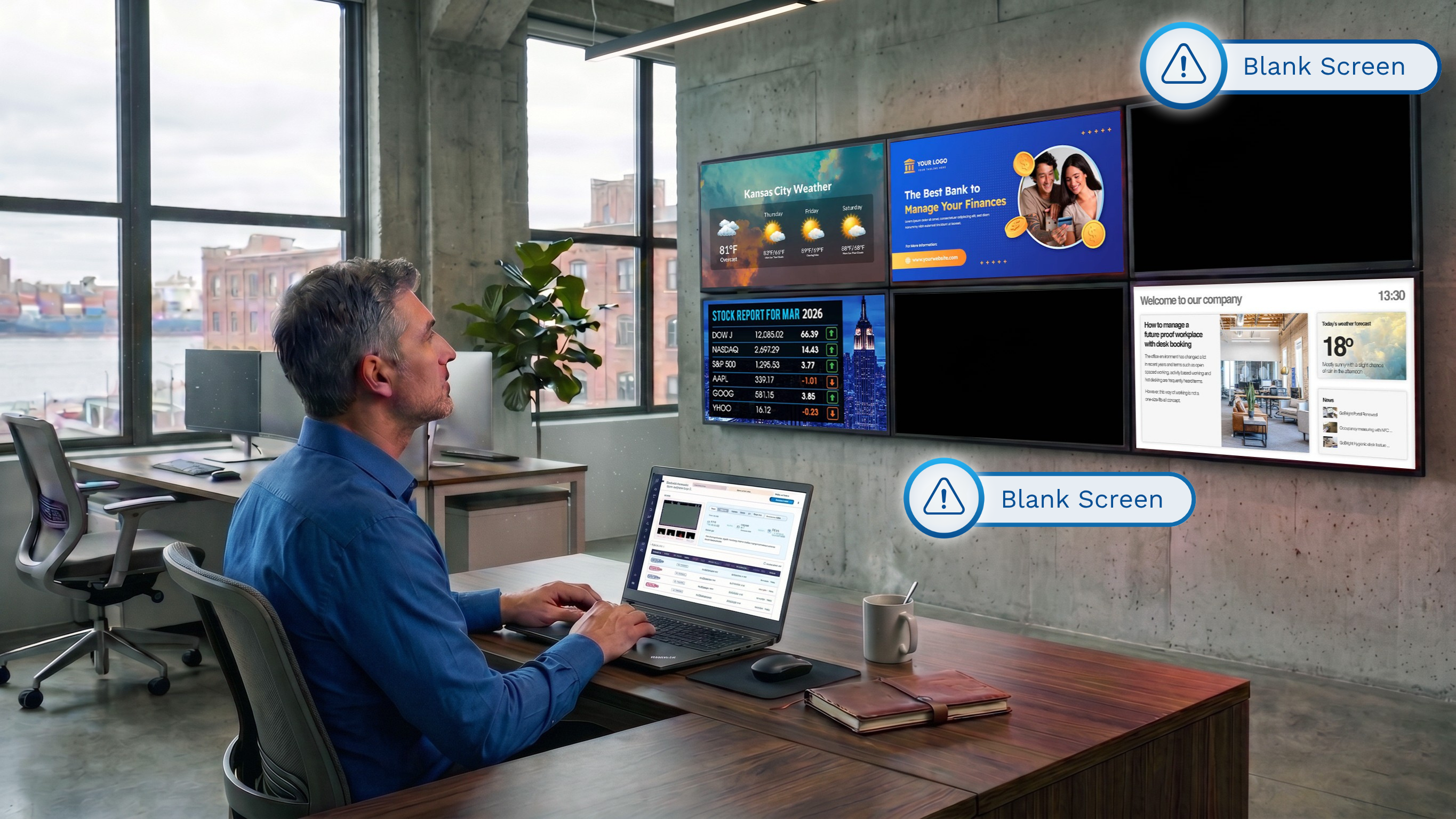
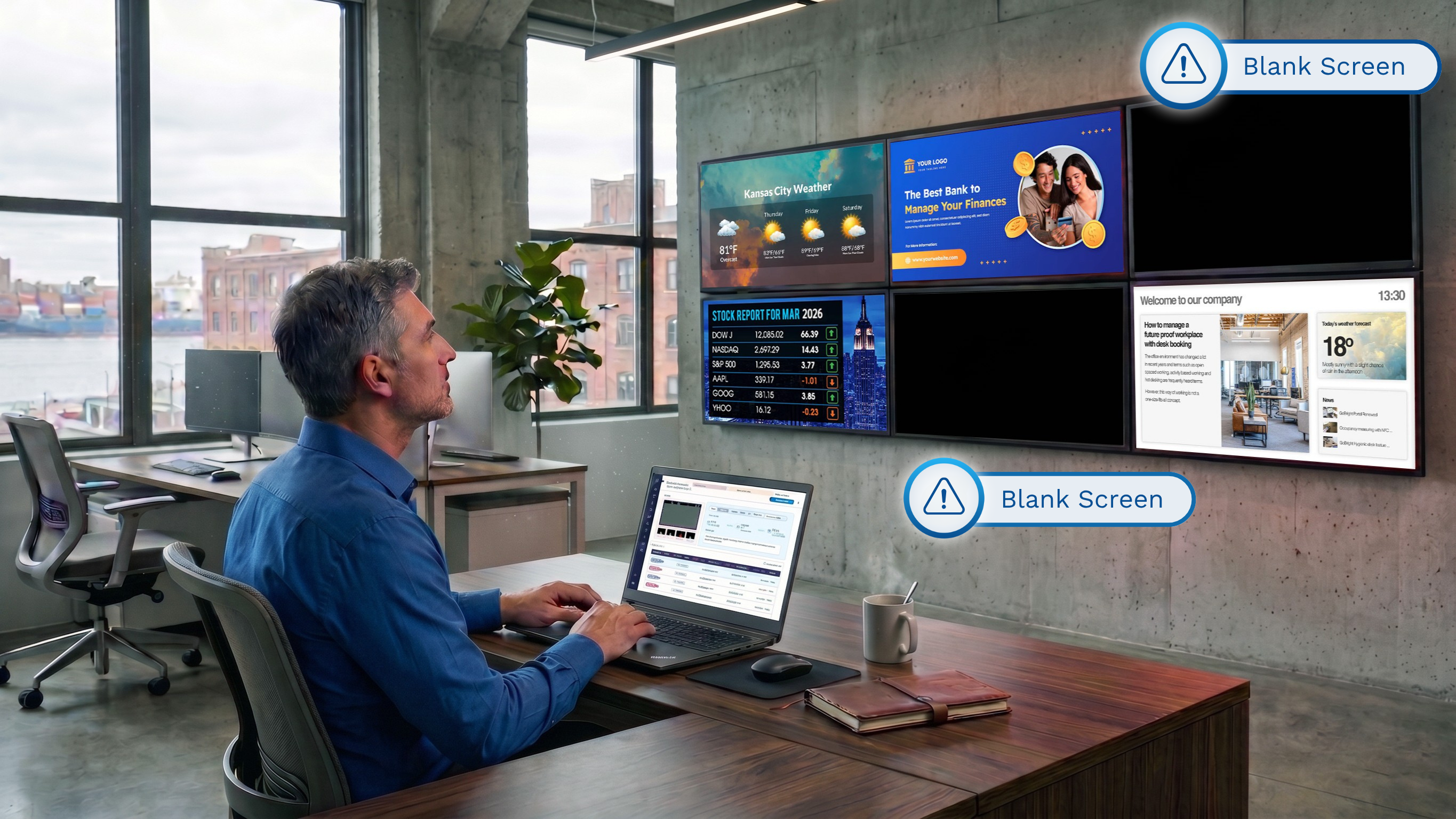
Fixed an issue where the screen appeared blank when trying to access services from the floorplan view.

38153

Bookit – Floorplan Navigation

Resolved a blank screen issue when accessing the Services page from floorplan via 'Locate on Floorplan' or Colleague Search

38154

January 12th, 2026

Signage

We're constantly working to improve Korbyt. Here's what we were up to over the break and last week week:

🆕 New & Enhanced

  • Secrets API: Credential Management — IT Admins can now securely manage the lifecycle of API credentials using a centralized Secrets API. This includes creating, listing, and deleting encrypted credentials with full RBAC enforcement and audit trails. Only API keys with the new "Can Manage Secrets" permission, granted by Tenant Admins, can access these endpoints.

  • Layout Builder Code Version Control — CMS users can now track and revert changes to custom JavaScript, CSS, and HTML in Layout Builder. Up to 10 versions per layout are saved automatically with each publish. The version dropdown shows timestamps and publishing user details for easy rollbacks.

  • Custom Labels for SharePoint JSON Paths — The SharePoint Online Adapter now allows custom titles for each JSON path. These labels help users distinguish between SharePoint connections without having to inspect the full path. Titles appear prominently in list views and are fully editable.

🐞 Squashed Bugs

  • Fixed a 500 error when using the "get log filenames" API endpoint.

  • Resolved a 504 error when exporting playlists with large video attachments.

  • Addressed role-based permission limits that prevented adding users to email notifications.

  • Corrected an issue where user-created Launchpad thumbnails were not generating.

  • Fixed a type error in DataSubscriptions logging that caused query.replace to fail.

  • External layouts now correctly appear in Clever Rules logic.

  • Clarified bitrate metadata labels in video properties to distinguish min, max, and average values.

  • Restored functionality of kiosk builder links that were previously non-working.

  • Fixed an issue where publishing Launchpad did not assign per-selection options to empty playlists.

  • Resolved a problem preventing assignment of Scriptlets to BrightSign Player Groups.

  • Crestron Bulk Provisioning now correctly displays preferred PWA names from Bulk Import.

  • Resolved a permissions issue where restricted media could be accessed through the Asset Manager.

  • Fixed a 400 error that occurred when publishing external layouts in some cases.

  • Users can now drag and drop published Layouts into open subfolders as expected.

  • BrightSign 5 devices now respect clever mute overrides and no longer play audio when muted.

  • Restored functionality for CreateAI and ensured predefined AI layouts are visible.

🛠️ Under the Hood

  • None!

We love hearing from you! If you have any feedback or feature ideas, please use our new feedback portal HERE!

Need more info? Visit our help page for additional information.

The Korbyt Product Team

December 5th, 2025

Signage

We're constantly working to improve Korbyt. Here's what we were up to this week:

🐞 Squashed Bugs

  • Fixed an issue where YouTube element showed an error due to recent changes in YouTube's Terms of Service.

  • Resolved a styling inheritance issue in Korbyt Create AI Layouts where elements did not carry over formatting from the selected template.

  • Addressed a focus issue in the Map Element where the employee list wouldn't properly respond to user interaction.

  • Fixed a bug that caused some players in PWA and Microsoft Teams Rooms to get stuck on the "Downloading PRT" screen.

We love hearing from you! If you have any feedback or feature ideas, please use our new feedback portal HERE!

Need more info? Visit our new help page for additional information.

The Korbyt Product Team

November 21st, 2025

Mobile Booking

Signage

We're constantly working to improve Korbyt. Here's what we were up to this week:

🆕 New & Enhanced

  • Added audio volume control for media in Korbyt Anywhere PWA, requested specifically to be used for Microsoft Teams Rooms use cases

🐞 Squashed Bugs

  • Fixed display issues in the NWS Weather Element where daily forecast boxes were misaligned or cut off on screens below 1080p or with unusual aspect ratios.

  • Resolved a problem where the NWS Weather Element preview wasn't showing weather data during content creation.

  • Fixed a bug where custom JSON files selected via the picker were not accepted by the JSON adapter.

  • Resolved an issue where deleted adapters or data tables were still appearing in the builder's subscriptions list.

  • Fixed a Launchpad bug that was causing duplicate playlist creation.

🛠️ Under the Hood

  • Backend adjustments to improve data validation for player group creation and JSON adapter compatibility.

We love hearing from you! If you have any feedback or feature ideas, please use our new feedback portal HERE!

Need more info? Visit our new help page for additional information.

The Korbyt Product Team

November 7th, 2025

Mobile Booking

Signage

We're constantly working to improve Korbyt. Here's what we were up to recently:

🆕 New & Enhanced

  • Light Mode option for the new side navigation

  • Vimeo Layout Element and Vimeo Launchpad Template are now available

  • Desktop Broadcast: Managers can now send broadcast messages directly from the Korbyt Desktop App

  • CMS Help Links Updated: All in-app knowledge base links now direct to the new Product KB at product.korbyt.com/help.

🐞 Squashed Bugs

  • Fixed a display issue in the NWS Weather Element

🛠️ Under the Hood

  • Released a new Local Player API for Windows and BrightSign players to enable expanded control capabilities

We love hearing from you! If you have any feedback or feature ideas, please use our new feedback portal HERE!

Need more info? Visit our new help page at product.korbyt.com/help for additional information.

The Korbyt Product Team

October 2nd, 2025

Mobile Booking

Signage

We’re introducing Korbyt Instant Screenshots, a new enhancement that lets you capture on-demand screenshots of supported players without waiting for the normal screenshot command to sync.

With Instant Screenshots, you can:

  • Verify content deployments immediately

  • Troubleshoot live playback issues faster

  • Capture timestamped screenshots

Currently supported on BrightSign (Agent 3.15+), Windows (Agent 3.43+), and KDA (Agent 3.42+) players running PRT 3.12 or higher.

👉 Learn more about setup, usage, and requirements in our full help article: Korbyt Instant Screenshots

Weekly Recap

We’re constantly working to improve Korbyt. Here’s what we were up to this week:


🆕 New & Enhanced

  • Korbyt Instant Screenshots: Capture on-demand screenshots of supported players without waiting for the normal sync, helping with faster troubleshooting, validation, and audit-ready timestamped captures. Learn more →

  • Added support for SVG images as thumbnails in the Media Library API.

  • Improved playlist controls, including default duration and transition settings and support for publishing Launchpad content into existing playlists.

  • Expanded AI templates and Launchpad library with proper previews, categorization, and workflow improvements.

  • Enhanced Booking integrations into Korbyt Anywhere Web with better icon visibility and customization in BookIt.

  • Improved Proof of Play reports to better handle multilingual and special character content.

  • Updated thumbnail generation for new tenants to ensure layouts and media display previews correctly across all environments.

  • Media API enhancements, including paging metadata, sort parameters, and emoji/special character support in folder paths and mobile posts.

  • Playlist enhancement to support fade-in/fade-out transitions.


🐞 Squashed Bugs

  • Resolved problems with exporting playlists containing 8K video, which previously caused errors.

  • Corrected UI glitches in Messages, where stray windows or small display errors appeared.

  • Resolved problems where custom JavaScript in layout templates did not work in preview.

  • Fixed errors in Proof of Play reports and embedded Sonar in SharePoint.

  • Addressed issues with tenant creation where ML disk space values and thumbnails did not display properly.

  • Corrected several Launchpad templates that were missing preview images or categorization.

  • Fixed sorting issues in Media Manager folders and ensured logos pull correctly into image elements.

  • Corrected virtual keyboard functionality in Map Element when using employee lists.


🛠️ Under the Hood

  • Optimizations to avoid triggering legacy KWP check-in bugs.

  • API utilities improved with call proxy handling and SNS integration for text messaging.

  • Various infrastructure and NGINX improvements for stability and performance.


We love hearing from you! If you have feedback or ideas, please use our feedback portal.

Need more info? Visit our Help Center for guides and resources.

The Korbyt Product Team
August 15th, 2025

Mobile Booking

Signage

We're constantly working to improve Korbyt. Here's what we were up to this week:

🆕 New & Enhanced

  • Added the ability to export posts via the Korbyt API by category and/or date.

  • Mobile - Auto-applied end dates to Korbyt User Generated Posts based on a new settings parameter.

  • Mobile - Added author names to media from User Generated Posts in the Media Library.

  • Mobile - Removed the unique identifier from post titles.

  • Added thumbnail support to list media API calls.

  • Enabled retrieving data subscriptions via API request.

🐞 Squashed Bugs

  • Fixed an issue where the Player Inventory Report displayed multiple MAC addresses for the same player.

  • Resolved a SharePoint Adapter bug where images with the same name were not overwritten as expected.

  • Fixed SharePoint Adapter behavior to properly delete expired content.

  • Corrected an issue preventing approvers from adding or deleting Media Library folders.

  • Fixed email template failures in certain customer configurations.

  • Resolved an issue where player screens displayed black after validity-dated content expired in an embedded playlist.

  • Fixed overlapping floor display in Wayfinding.

  • Corrected a broken Messages link in the new navigation menu.

  • Updated the NWS Weather element configuration guide to clarify how to set a location.

  • Restored player latitude and longitude reporting for Puerto Rico.

  • Fixed a bug where posts submitted through the mobile app defaulted to a start time of 7 PM the day before submission.

🛠️ Under the Hood

  • Improved player API call message handling for better reliability.

📦 New Player Releases

BrightSign 3.15.8

  • Supported PRT: 3.15

  • Chromium Version: 114

  • Supported Firmware/OS: BrightSign 8.5.47, BrightSign 9.0.211

Changes Since 3.15.2

  • Fixed type errors in syslogs.

  • Fixed player orientation defect.

  • Added real-time screenshot functionality (coming soon in CMS)

  • Added additional error logging for media downloads to capture Bad Gateway errors.

We love hearing from you! If you have feedback or feature ideas, visit our feedback portal.

Need help? Check out our Help Center for more resources.

The Korbyt Product Team

July 21st, 2025

Booking

What’s New?

Enhanced Virtual Attendee Warning Message

We’ve improved the Virtual Attendee Warning Message to help users manage discrepancies between attendee counts and participant values more clearly and efficiently.

Key changes:

When the number of added attendees does not match the participant count, users see a clear message indicating the mismatch if the warning has been enabled for the location from BRE Settings>>Bookings>>Covers/Attendee Restrictions.

The system explains that services will default to the resource participant count unless updated.

Users are presented with two actionable options:

Use Resource Participant Count – Retains the original resource participant count value and proceeds.

Update to Attendee Count – Automatically updates the participant count to match the number of attendees.

Both options apply changes behind the scenes and seamlessly save and close the booking.

This update ensures accurate service allocation while maintaining a smooth user experience when managing hybrid and in-room attendees.

Introducing Role-Based Control for Collaboration Visibility

A new role-based setting—"Hide Collaboration Details"—lets admins control visibility of the Collaboration field and Copy Link options.

When enabled under User Groups > Entity Property Settings, this setting:

• Removes collaboration visibility during create and edit booking workflows.

• Applies across all platforms and collaboration types (e.g., Zoom, Teams).

• Is off by default, giving full visibility unless restricted.

Perfect for limiting access for vendor or guest roles while maintaining collaboration for internal users.

New Email Tags: Resource_Code and Attendees

We’ve added two powerful new tags to enhance booking communications and reporting:

• @@Resource_Code@@Automatically inserts the resource code for rooms and add-ons.

• @@Attendees@@Displays the Name and Email Address of all attendees, formatted as:

These tags help personalize alerts, improve clarity for recipients, and support detailed reporting and audit needs.

New Admin Control: UDF Support for Floor Plan Bookings

Admins can now manage whether User Defined Fields (UDFs) are shown during bookings made via the Floor Plan.

What’s New:

• A new checkbox setting labeled "Enable User Defined Fields for Floor Plan Bookings" is now available (enabled by default).

Location: Settings > Global Settings > Floor Plan

• When enabled and UDFs are configured, clicking Book on the Floor Plan redirects to the Booking Summary screen in Bookit to capture UDF data.

• When disabled, the Floor Plan booking flow remains unchanged.

This setting gives you flexible control over data entry during Floor Plan-based bookings without disrupting other workflows.

Activate Insights: Google Analytics Now Available

Unlock visibility into how users interact with Korbyt Booking & Bookit through integrated Google Analytics.

Key Capabilities:

• Track feature usage, navigation paths, drop-off points, and engagement trends.

• A new "Enable Analytics" setting (Yes/No) gives admins full control.
Location: Settings > Global Settings > Default Settings

• Enabled by default — ensuring insights are available right out of the box.

• When turned off, no data is collected or transmitted, ensuring compliance.

Note: While this feature does not impact customer-facing functionality directly, the insights gathered play a key role in helping our Product team enhance user experience and shape future improvements across Korbyt Booking & Bookit.

Additional Enhancements

ID

Summary

36361

Admins are now alerted if a desk has future bookings before switching it to flexi desk, ensuring bookings are cleared or moved before the change is saved.

36362

Users can now close image previews in the Bookit/Plugin using a cross (x) button.

36468

Booking created via the outlook plugin now respect the default appointment status (Free/Busy) set at the resource type level

36680

Service headers now match the default Bookit Active Button Color and will dynamically reflect any custom color updates made in Bookit Settings.

Release Fixes and Changes

FUNCTIONAL AREA

DESCRIPTION

CASE REFERENCE

Booking

Users can now successfully modify setup time for bookings even when no setup time is defined for the resource or services.

30803

Colleague Search

Users can now adjust the start time for a colleague’s future desk booking directly from the view screen.

33552

Web App – Services

Add-on start times remain accurate and are no longer impacted by changes to the Reader board display setting.

36144

Visitors

The “Expected Time” filter is now available in the visitor view, consistent with the earlier version.

36347

Booking – Authorization

Rooms requiring approval now follow the correct flow, ensuring they are marked as 'Request' instead of auto-confirmed.

36349

Mobile

Internal API errors no longer occur, and the mobile app now returns expected results consistently.

36487

Web App – UI

The split-screen view now includes a horizontal scroll bar, allowing users to view content from left to right.

36490

Alerts

Service alerts now correctly trigger only for rooms associated with the relevant department.

36605

Outlook Add-in

The “Add Services” button has been restored and now appears correctly when creating bookings via the Outlook Add-in.

36639

Resource Management

Resource groups now display property information correctly, even when areas and sub-areas are defined.

36673

Alerts

Booking cancellation for recurring meetings now triggers a single consolidated alert.

36743

Services

Waitlist issues have been resolved, and services now reflect accurate booking statuses.

36762

Services

Notes from services and add-ons are now only copied when the user explicitly chooses to include them.

36788

Floorplan

Users can now select valid times for future bookings even if today’s times fall outside business hours.

36826

Booking – Confirmation

Quick confirmation alerts now function correctly without asking for missing email when initiated by the creator only.

36836

Booking – Resource Display

Resources tied to unauthorized groups are no longer shown in the booking view for restricted users.

36838

Documents

Documents uploaded for recurring bookings now download properly without data loss.

36841

Outlook Add-in

New users now see their booking records correctly when logging in for the first time via the Outlook Add-in.

36917

Outlook Add-in

Encoding issues with special characters in resource names have been corrected, ensuring bookings process smoothly.

37077

Web App – Attendees

Virtual attendee toggle now works correctly, ensuring booking times remain consistent without any unexpected time changes.

37044

Outlook Add-in

Attendee duplication in the O365 Add-in has been resolved, ensuring attendee details appear only once.

37027

Outlook Add-in

Client Matter label in the O365 Add-in now correctly reflects the value set in the web application.

36954

BookIt

Client Matter changes in BookIt now save and update correctly without errors or data issues.

37045

July 21st, 2025

Mobile Booking

Booking

What’s New?

Improved Session Management

We’ve significantly upgraded how sessions are managed to deliver a more seamless and secure user experience.

Key Improvements:

Persistent Authentication: Session tokens are now auto refreshed in the background, ensuring users stay logged in by default. No more surprise timeouts!

Automatic Token Handling: The app now checks and refreshes access tokens at launch, providing uninterrupted access if tokens are still valid.

Security Enforcement: If a user is deleted, deactivated, or has their password changed, the app will log them out immediately and display a clear message:

“Your session has been terminated by your organization’s admin. Please contact support if you need assistance.”

Role and Permission Syncing: The app revalidates user roles and permissions every 20 minutes to ensure accurate access control in real-time.

These enhancements are built for efficiency and reliability—keeping you connected while safeguarding your organization's security protocols.

Enhanced Desk Booking Flow – Smarter, Faster, More Personalized

We’ve redesigned the Book a Desk journey in the Korbyt Booking Mobile App to deliver a smoother, more intelligent experience—whether you're booking for yourself or a colleague.

Find Screen Updates:

• New "Book for someone else" checkbox at the top.
- When checked, a “Booking for” field appears—search and select internal users using our standard attendee picker.
- Inline validation ensures a user is selected before proceeding.

• The capacity field is hidden and defaults to 1 (non-editable).

Area and Neighborhood filters now respect user access permissions.

Refined Desk Booking Workflow:

This release introduces significant improvements to the Desk Booking journey in the Korbyt Booking Mobile App, with a focus on clarity, efficiency, and consistency across booking scenarios.

Key Workflow Enhancements:

Simplified Booking Screen: The Booking Type field has been removed for desk bookings. Instead, it now automatically defaults to the configured Default Booking Type set in Global Settings > Mobile Configurations, reducing user input and improving consistency across the platform.

Streamlined User Experience: The Title and Notes fields are now embedded directly within the Booking Information screen, eliminating the need for a separate summary step and accelerating the booking process.

Focused UI for Desk Reservations: The Add Attendees feature has been removed from the desk booking flow to simplify the user interface for this specific resource type.

Smart Booking Logic:

  • When a selected desk has no associated services, and its default title is set to Host, the system directly confirms the booking and displays the Thank You screen.

  • When services are available, users are guided to the Booking Information screen, where they can add services and confirm their booking. After service selection, users return to the info screen rather than a separate summary page.

Chargeback Integration for Desk Bookings: Chargeback functionality is now extended to the Book a Desk flow. The Booking Info screen dynamically displays chargeback and GL Code fields.

Please note

• The host is always set as the person for whom the desk is being booked.

• The requester (or booking creator) is the logged-in user, whose details are stored accordingly.

These enhancements deliver a more intuitive and role-aware booking process that better aligns with real-world use cases and enterprise access controls.

New Host Field Functionality for Room Bookings

A dedicated Host field has been added to the Room Booking flow—improving clarity, accountability, and cross-platform consistency in bookings.

Key Enhancements:

• Located under the Title on the Booking Summary screen.

Defaults the logged-in user if the user’s role is configured to do so.

• Otherwise, the field remains blank, allowing the user to search and select a host using the same search component as Internal Attendees.

• When editing a booking from My Bookings, the Host field is read-only (greyed out), preserving original booking ownership integrity.

Smart Attendee Logic:

• If the host is not already an attendee, the app checks:

  • If the host’s primary property matches the booking location:

▪ If status is In Office → added as In-Room attendee.

▪ If no status info is available → primary property logic is used.

  • If the primary property does not match the booking → added as Virtual attendee.

The In-Room attendee count updates only if the host is added as an In-Room attendee.

These improvements ensure that bookings are accurate, role-based, and aligned with policy settings, all while maintaining a user-friendly experience across platforms.

Smarter Booking Visibility with Enhanced "My Bookings" Tabs

We’ve upgraded the My Bookings experience in the Korbyt Booking Mobile App to give users a clearer, more intelligent way to manage upcoming bookings—especially when working across time zones or on behalf of others.

Dual Tab Interface:

Booked for Yourself: Displays all single-instance bookings and individual recurrence entries created by the logged-in user for themselves—across all resource types. Includes room bookings where the user is the host.

• Booked for Others: Displays bookings made on behalf of someone else, where the logged-in user is the requester, and the host is another user—covering both Room and Desk bookings.

Edit Bookings from “My Bookings”

Users can now edit eligible bookings directly from the My Bookings page, making updates faster and more flexible.

What’s New:

Update Booking Details:

  • Edit the Date and time of Future Bookings.

  • Edit the End Time for ‘in progress’ bookings—including extending or reducing the duration—while respecting availability and booking rules.

  • Modify the Title and Notes fields for both desk and room bookings.

  • Applies To:

    • Single-instance bookings

    • Specific Instances within a recurring series

    • Bookings made for yourself or others
      This update empowers users to independently manage and adjust their bookings without leaving the mobile app.

Enhanced QR Code Booking Experience

The QR Code scan flow has been significantly enhanced to deliver a more dynamic and context-aware experience across all booking scenarios—Book, Check-In, and Check-Out.

What's New

Smart Time Defaults: Start time now snaps to the nearest 15-minute slot; end time auto-sets based on default booking duration or fixed slot settings based on the resource type.

Editable Fields: Users can update date and time when booking; the app dynamically checks availability before confirming.

Role-Based Access: Only eligible users can check in or out; unauthorized users are prompted to book another time.

Improved UX: Refined UI, contextual prompts, and integration with updated Book a Room and Book a Desk flows.

These enhancements make QR code interactions faster and more intelligent.